Your best photos and videos are in Drive. Now your team can actually find them.
Turn your Google Drive into a searchable visual library so your team can find the right photo or video faster – without moving a file.
Tags · AI descriptions · Transcripts · Boards · Approval & rights · Expiry reminders
Drive is great for storing media.
Just not for finding it again.
Your team has years of useful photos and videos, buried in half-remembered folders.Does this sound familiar?
Work visually, not in lists.
Stop wasting time trawling through filenames and waiting for high-res images to load.
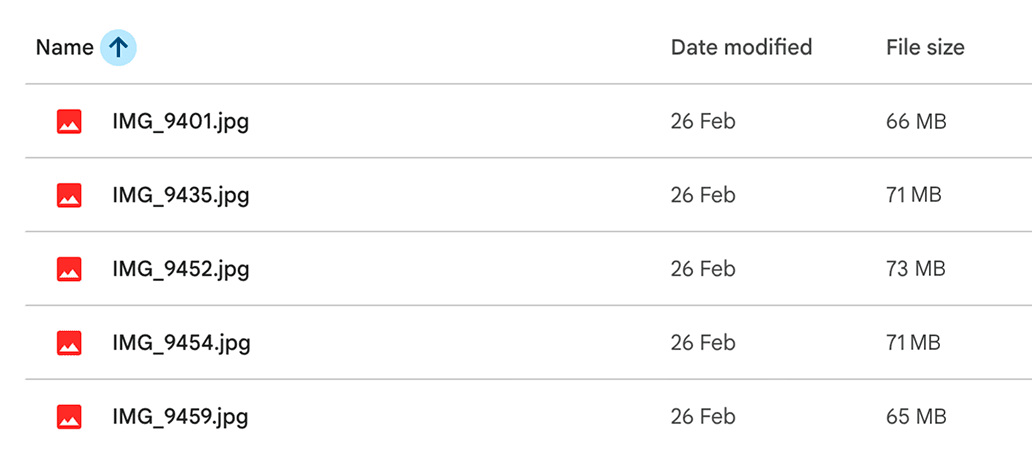
Hilltop creates fast previews so you can see more of your library at once and work in a visual space that feels made for creative teams.







Search inside your media.
Transcribe videos so you can search for the exact quote or topic later.
 Transcribe
AI Transcript
“When we started filming testimonials, the problem wasn’t storage.
It was remembering who said what six months later.
Now we can search a phrase and jump straight back to the right clip.”
Use AI to describe images so your team can search for what they remember, not just the filename.

AI Description
A classroom of young students sits at tables while an instructor stands at the front of the room guiding the lesson.
Laptops, notebooks and soft daylight make the space feel active, organised and collaborative.
The image captures a practical learning environment with attention focused on the presenter.
Mood: Focused
Get organised.
Add tags, notes, related files and context so the right media is easier to find next time.
Tags
Notes
Add essential context and link files so your team can understand what they are looking at quickly.
Read moreFile
Signed Media Consent
Link
Art Direction Guidelines
Create moodboards together.
Add photos and videos to visual collections in one click and share them with your team.






Notes
✎Shortlisted images for the Riviera summer campaign. Focused on sunlit lifestyle moments, relaxed luxury, and warm coastal colour.
Read moreKnow what’s approved.
Track approval status and usage dates on your media, with email reminders before rights expire.

Usage
Built to be lightweight.
No duplicated library. No changing how your team works.
Traditional DAMs
Upload terabytes into a whole new platform. Duplicate your library.
Local desktop apps, made for single users.
Complicated bulky systems that need team training.
Hilltop
No migration. No duplication. Works on top of your existing Google Drive.
Designed for collaboration and teams who use shared folders.
Start simple. Just tag what matters.
Upgrade your Google Drive.
Beta access is currently free for selected teams. We're opening Hilltop to a small number of marketing teams before a wider launch.Try Hilltop on a real project, and tell us what works – and what doesn’t.
Hilltop
Get a better view of your media.
© 2026 Hilltop